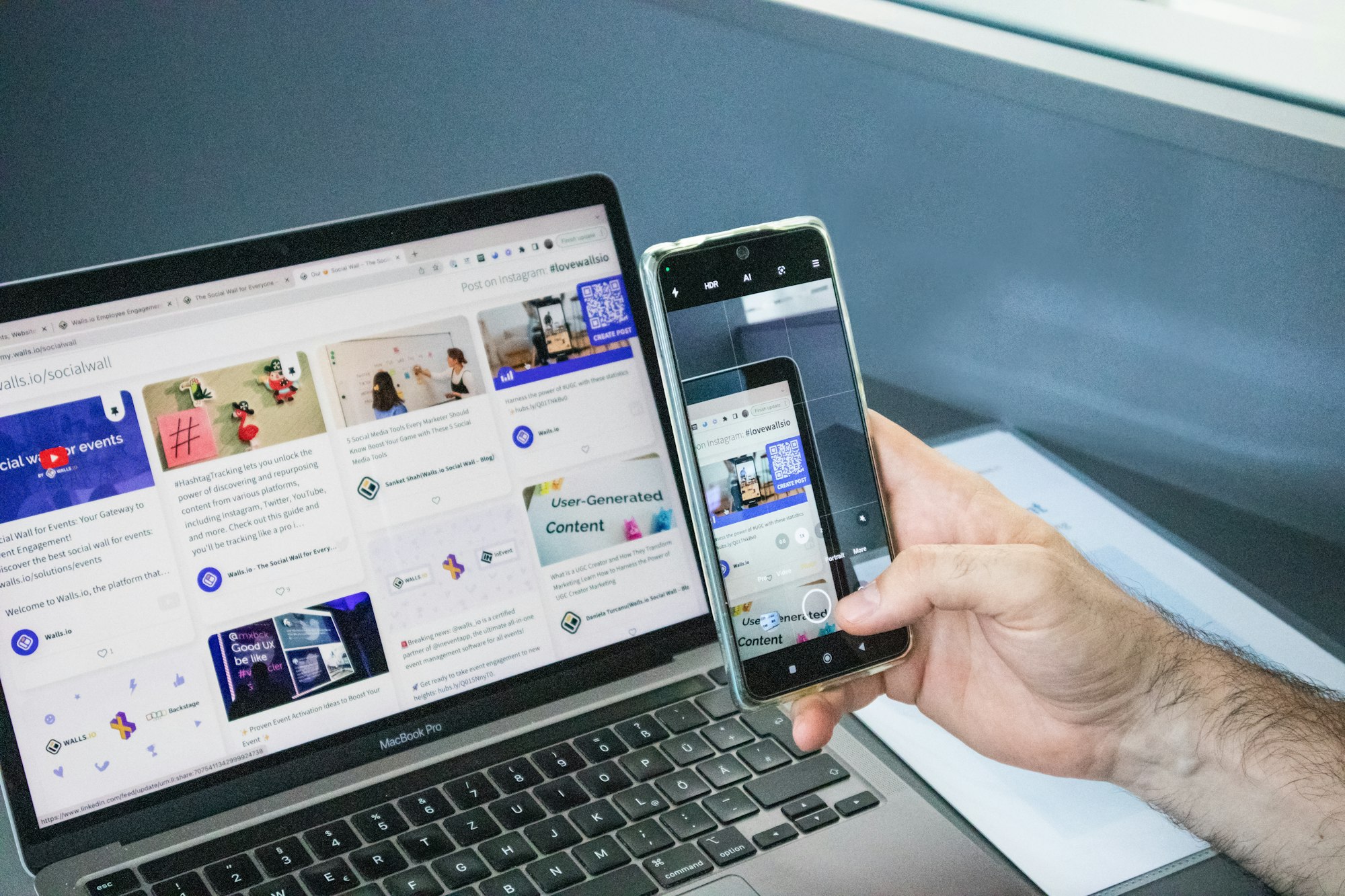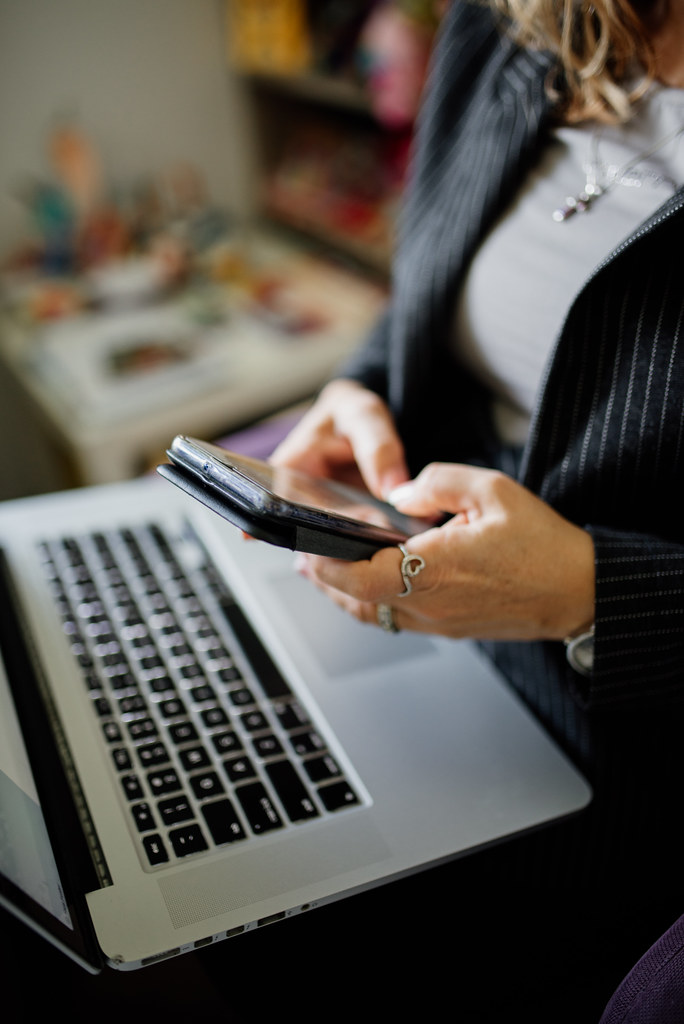
Two years ago, I gave up on Android Desktop Mode. Completely. Shelved the USB-C hub, put the Bluetooth keyboard back in a drawer, went back to my old laptop. I decided the whole idea was half-baked — a feature Google had abandoned and Android OEMs couldn’t agree on. Fast-forward to 2026, and I’m writing this review from a lapdock powered by a Pixel 9 Pro. So what changed?
A lot, actually. But not everything. This is my honest take on Android Desktop Mode in 2026 — what genuinely works, what still frustrates, and whether it’s finally ready to replace a laptop for day-to-day work.
What Is Android Desktop Mode (and Who Is It For)?
Quick refresher: Android Desktop Mode is a native feature baked into Android that activates when you connect your phone to an external display via USB-C (with DisplayPort support) or wirelessly via Miracast. You get a scaled interface with windowed apps, a taskbar, and a mouse cursor. Think of it as Android’s answer to Samsung DeX — except it runs on any Android device, not just Samsung flagships.
If you want a deep dive into how it differs from DeX specifically, I’ve covered that in detail in this breakdown of Samsung DeX vs Android Desktop Mode. Short version: DeX is more polished, but Desktop Mode is more universal.
In 2026, the target audience has expanded. It started as a niche feature for power users and Android developers. Now I see it being used by:
- Remote workers who travel light and want one device
- Students who can’t afford both a phone and a laptop
- Digital nomads running their whole business from a phone + lapdock
- Anyone tired of paying the Apple or Windows tax
What Actually Works Well in 2026
I’ll be straight: the improvements since 2024 are real and substantial. Here’s what I’m genuinely impressed by.
App Windowing Has Matured
This was the big one. In earlier versions of Android Desktop Mode, most apps refused to resize properly — they’d either stay locked in portrait mode or scale up in a blurry mess. In 2026, Android’s app continuity API is widely adopted. Chrome, Gmail, Google Docs, Slack, Notion, Spotify — they all resize like proper desktop apps. Even third-party apps have largely caught up. I haven’t hit a “this app doesn’t support desktop mode” wall in weeks.
Multitasking Is Genuinely Usable
Running three apps side-by-side on an external 1080p monitor — a browser, a document, and a messaging app — feels natural now. The taskbar is clean, window switching is snappy, and the virtual desktop concept (multiple workspaces) works on Pixel devices with the latest Android update. I’m not pretending it matches Windows 11 or macOS in terms of keyboard shortcut depth. But for the 80% of tasks most people do — email, documents, video calls, light research — it covers the ground.
Keyboard & Mouse Support Is Solid
In 2024, plugging in a USB-C hub with a keyboard, mouse, and HDMI output was an adventure in troubleshooting. Some hubs worked, others caused the phone to get stuck in charging mode only. Today? I plug in my hub and it just works. Text selection, right-click context menus, keyboard shortcuts (Ctrl+C, Ctrl+V, Ctrl+Tab) — all functional. Not exciting to say, but it used to be a dealbreaker.
Performance Has Caught Up
The Snapdragon 8 Elite and Google Tensor G5 chips have enough headroom to run desktop workflows without thermal throttling killing your session. When I was testing this on a Pixel 9 Pro, I ran a browser with 12 tabs, a Slack workspace, Google Docs, and a YouTube video playing in a corner window for two hours straight. No slowdown. No heat warning. The phone barely got warm.
What Still Frustrates Me
I want to be honest here. Android Desktop Mode in 2026 is good — but it’s not without rough edges. These are the things I keep bumping into.
App Compatibility Is Still Inconsistent
The big names work. But step outside the Google ecosystem and it gets patchy. Some banking apps refuse to run in desktop mode entirely (they detect the external display and throw a security error). Some video editing apps lose functionality. Certain games go fullscreen and ignore the mouse. It’s frustrating because you can’t predict it — you have to test each app yourself. Google has no enforcement mechanism on the Play Store requiring desktop-mode compatibility.
Wireless Display Is Still Unreliable
Miracast — Android’s wireless display standard — should theoretically let you cast your desktop session to a monitor without cables. In practice, latency makes it borderline unusable for anything interactive. Wired connection via USB-C is still the only reliable path for real work. This is a hardware and protocol limitation more than an Android problem, but it matters if you were hoping to go fully cable-free.
Clipboard Between Phone and Desktop Needs Work
You’d think copying something on your phone’s mobile interface and pasting it in a desktop app would be seamless. Mostly it is — but I’ve had situations where the clipboard doesn’t sync between contexts when switching quickly. It’s a minor annoyance, but it breaks flow when it happens.
No Universal Dock Standard Yet
This is the ecosystem problem nobody wants to talk about. For Android Desktop Mode to truly take off, you need a standard dock or lapdock experience — something like what Samsung created with DeX docking stations. Right now, each lapdock or dock on the market handles Android Desktop Mode differently. Some trigger it automatically, some require manual activation, some don’t trigger it at all and just mirror your phone screen. Checking compatibility before buying is still essential.
The Real Test: Can It Replace Your Laptop?
I work in content, strategy, and light development. My typical day involves: writing articles (Google Docs), managing email (Gmail), video calls (Google Meet, Zoom), spreadsheets (Sheets), and browser research. For me — yes, Android Desktop Mode 2026 covers that entirely. I’ve gone full weeks using only my Pixel 9 Pro + lapdock as my “computer.”
Where it breaks down is specialized professional software. If you’re a video editor working in DaVinci Resolve, a developer running a local server, or a designer in Illustrator — Android Desktop Mode is not your answer yet. There’s no equivalent of desktop-class creative or developer software on Android that runs in windowed mode like a proper desktop app.
But that’s not the audience Google is building this for. The addressable market is the person who mostly lives in a browser and cloud apps — and that is most knowledge workers today.
The Hardware Side: What You Actually Need
To run Android Desktop Mode properly in 2026, you need:
- A phone with DisplayPort over USB-C — Pixel 8 and up, most 2024+ flagships
- A USB-C hub with HDMI or DisplayPort out + USB-A ports for keyboard/mouse + pass-through charging
- Or a lapdock — an all-in-one screen + keyboard + trackpad that your phone powers
If you want the cleanest, most seamless experience, a lapdock is the way to go. You plug in your phone, the lapdock boots Desktop Mode automatically, and you have a proper laptop-like form factor — no cables running to a separate monitor. I’ve been testing several options from Mobile-Only.com, which is where I get most of my mobile computing accessories. Their range of lapdocks, hubs, and DeX accessories covers both Samsung and stock Android setups — find the right one for your phone at mobile-only.com.
My Verdict
Android Desktop Mode in 2026 is the most compelling it’s ever been. It’s not perfect. It still has compatibility gaps, wireless limitations, and no unified dock standard. But the core experience — connecting your phone to an external display and getting real, windowed, productive work done — is genuinely there now.
If you tried it in 2024 and gave up (like I did), it’s worth another shot. The improvement over 18 months is substantial. And if you’ve been curious but never tested it, there’s never been a better time to start.
The laptop isn’t dead. But your phone is ready to challenge it.
Take care,
Yanis@MiraLab
Photo credit: nenadstojkovicart / Flickr (CC BY 2.0)