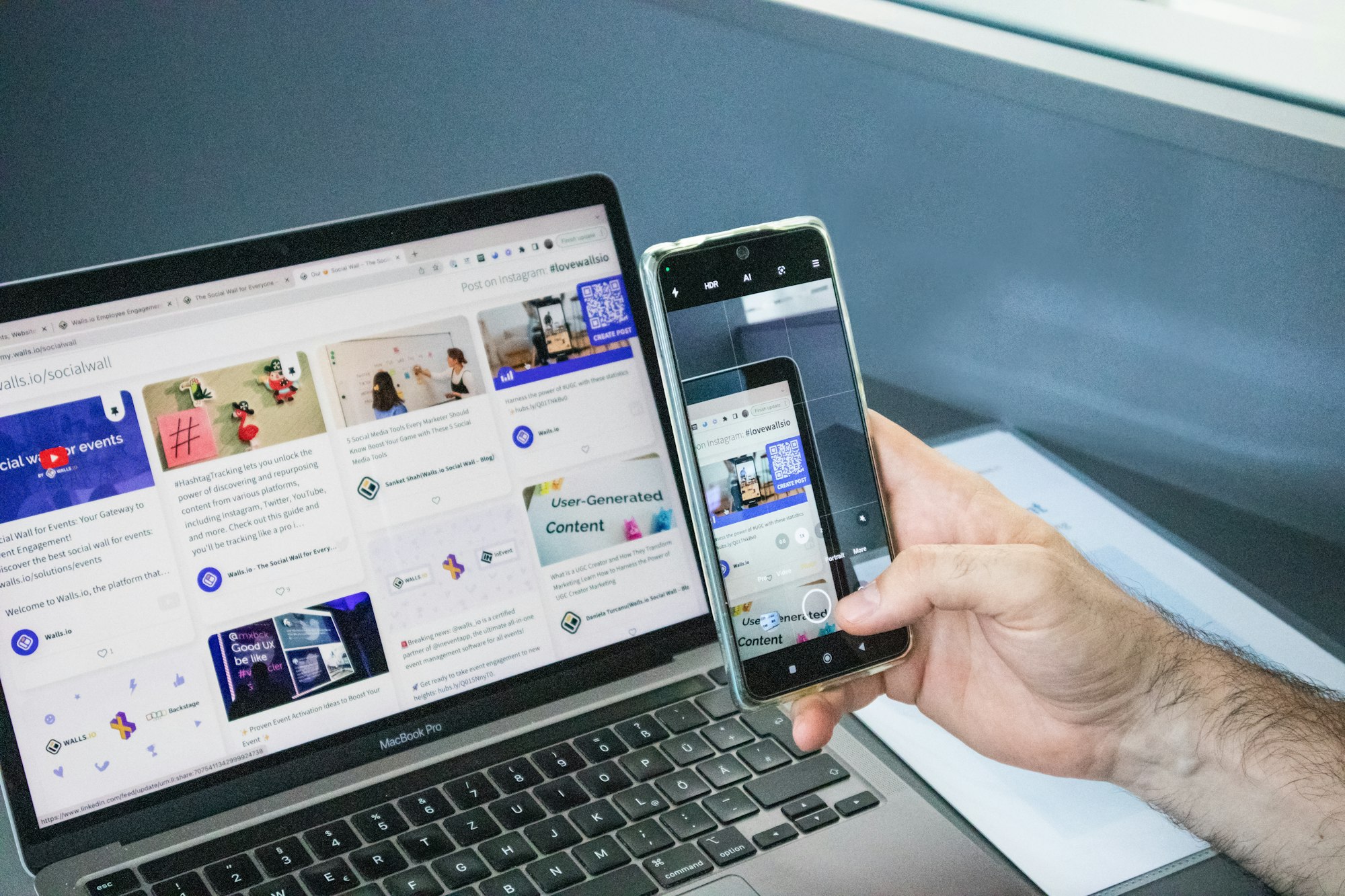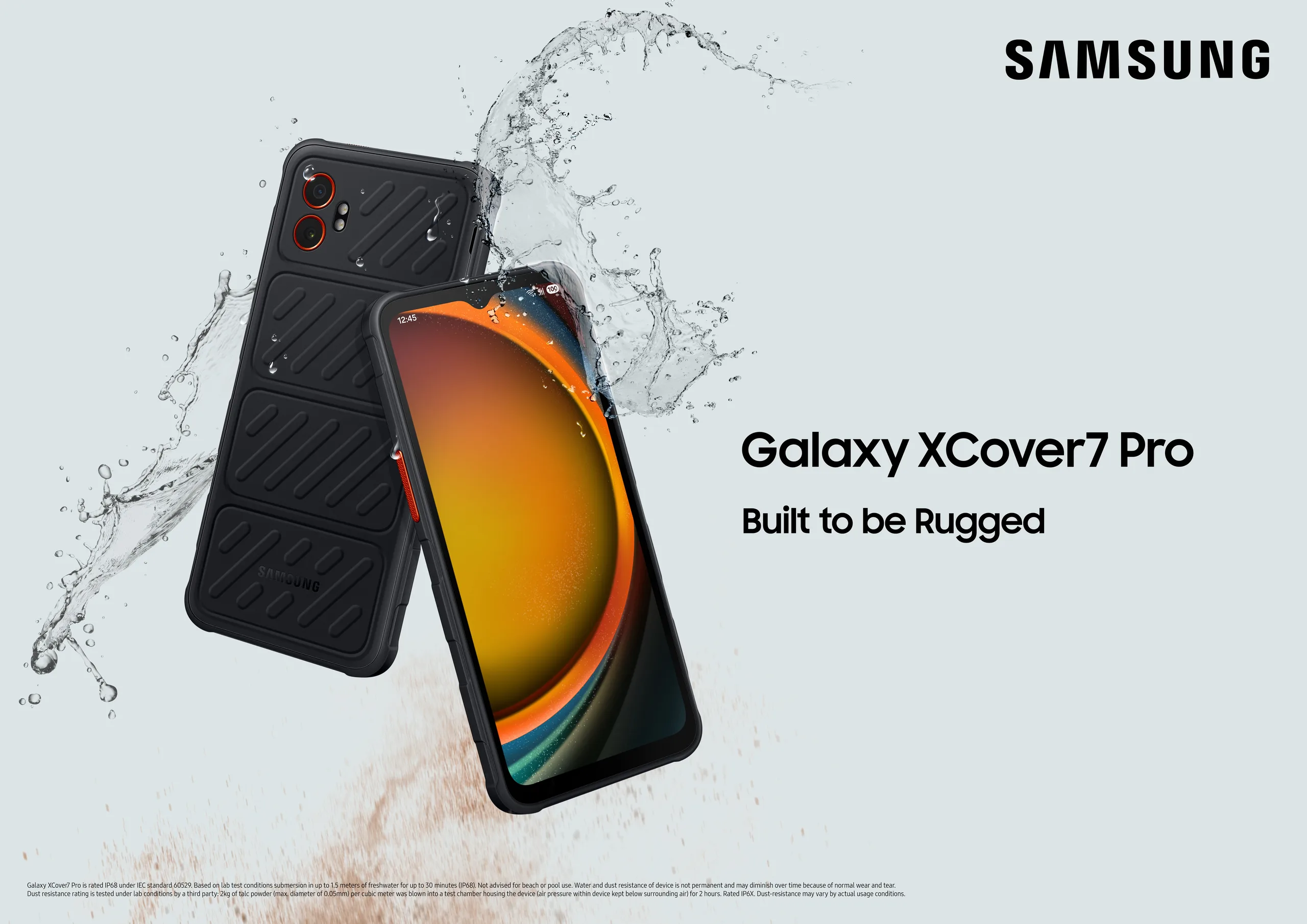
I’ve been testing Samsung DeX since the S8 era. Seven phones, dozens of docks, and more USB-C cables than I care to count. And if there’s one thing I’ve learned, it’s this: the phone is only half the setup. The best lapdock for Samsung DeX is what turns a capable phone into a genuinely usable working machine.
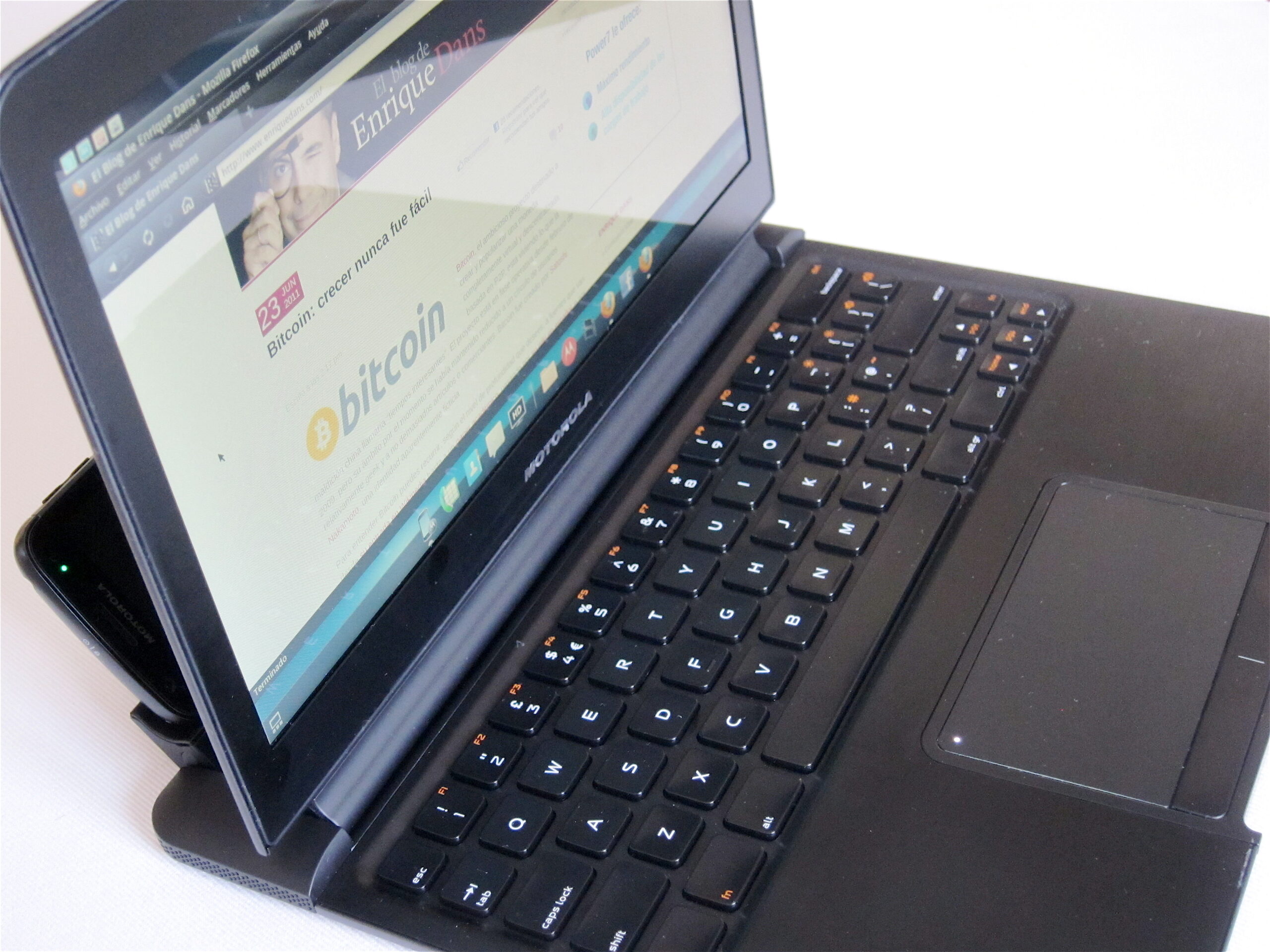
A lapdock — for anyone new here — is a laptop shell with no processor of its own. Screen, keyboard, trackpad, battery, and a USB-C port. Plug in your Galaxy and it borrows everything. DeX launches automatically, you get a windowed desktop interface, and your phone goes from pocket device to portable workstation in about five seconds.
Here’s what I’m recommending in 2026, based on real use.
What to Look for in a Samsung DeX Lapdock
Before we get to the picks, here’s the short checklist I use when evaluating any lapdock for DeX:
USB-C with DisplayPort Alt Mode. Samsung DeX triggers over DP Alt Mode — not just any USB-C connection. Cheap lapdocks sometimes use USB 2.0-level connectors that can’t carry video. Check the spec sheet before you buy.
Power Delivery passthrough. The lapdock should charge your phone while it runs the desktop session. DeX with sustained screen-on drains your battery fast. You want the lapdock feeding the phone at the same time.
Display resolution and size. 1080p is the minimum. 14 inches is the sweet spot for travel — big enough to work seriously, small enough to slide into a backpack.
Keyboard quality. You’re going to type a lot. This matters more than most reviews acknowledge. A shallow, mushy keyboard turns a productive session into a frustrating one quickly.
Battery. Some lapdocks run purely on the phone’s power; others have their own internal battery that extends your session. For travel and field work, built-in battery wins.
My Top Picks: Best Lapdock for Samsung DeX in 2026
NexDock 360 — Best All-Rounder
The NexDock 360 is my default recommendation for most people. 14-inch 1080p display, a keyboard that holds up to full workdays, a 10,000mAh internal battery, and reliable USB-C DP Alt Mode triggering. I’ve run it with the Galaxy S25 Ultra, S24, and S21 FE — DeX fires up every single time with no fussing.
What I like most is the 360-degree hinge. It gives you tablet mode, tent mode, and laptop mode in one unit — useful when you’re presenting from your phone in a meeting and want to flip the screen. It’s a thoughtful hardware detail that earns its keep in real-world field use.
Browse confirmed Samsung DeX-compatible lapdocks — including the NexDock 360 — at mobile-only.com’s lapdock collection.
NexDock Touch — Best for DeX Touch Interaction
Samsung DeX supports touch input on external displays, and the NexDock Touch exploits it properly. The 14-inch display is touch-enabled, so you can tap apps directly, scroll naturally, and swipe between spaces — all while your phone sits connected at the side.
For field workers used to touchscreen workflows who don’t want to relearn mouse-and-keyboard habits overnight, this is the transition vehicle. It bridges the muscle memory gap effectively.
Miraxess Lapdock — Best Compact Travel Option
For travel-first use, the Miraxess earns its own spot. It’s lighter than the NexDock at around 800g, has a narrower footprint, and the keyboard is surprisingly good for the size. The screen is 13.3 inches at 1080p — still comfortable for a full workday on the road.
The trade-off: the Miraxess runs off your phone’s power rather than an internal battery pack, so session length depends on your phone’s charge. Pair it with a good power bank and that limitation disappears entirely.
Lapdock vs. Dock + Monitor: Which Is Right for You?
This is a question I get every week. Here’s my honest answer:
Go lapdock if: you’re mobile, you work from different locations, you want one device in your bag, or you’re building a field-worker setup where portability is non-negotiable. The lapdock is the definition of mobile-only working.
Go dock + monitor if: you work primarily from a fixed desk, you want a larger screen, or you need multiple outputs. A good USB-C hub connected to a 27-inch monitor gives you a bigger canvas than any lapdock will.
For most of the businesses we work with at MiraLab, the answer is actually both — a lapdock for the road, a dock and monitor at the desk. The phone travels between them seamlessly; DeX just adapts to whichever display it finds.
You can see our tested USB-C hub picks alongside the lapdocks at mobile-only.com — all validated specifically for Samsung DeX triggering, which saves you the trial-and-error of generic hubs that don’t reliably trigger desktop mode.
Which Samsung Galaxy Phones Work with a Lapdock?
The short answer: anything Galaxy from the S8 onwards with a USB-C port supports wired DeX. Wireless DeX (no cable, just a Miracast-capable display) started with the Note 10 and S10 generation.
If you’re running an S22, S23, S24, or S25 — you’re on the best generation of DeX available. 4K display support, improved multitasking, and an app ecosystem that has genuinely matured since the early days. Check Samsung’s official DeX device compatibility list for the full roster.
For a look at how Samsung DeX deployments work at scale, see our writeup on how the Chicago PD built their mobile-only DeX workstation fleet — the lapdock is a big part of that story.
The Bottom Line
The best lapdock for Samsung DeX in 2026 is the one that fits your actual workflow — not the one with the most specs on paper. For most people the NexDock 360 hits the right balance of screen, keyboard, and battery. For travel-light use, the Miraxess. For touch-first users, the NexDock Touch.
All three are available with confirmed DeX compatibility — no guessing, no returns. Start your search at mobile-only.com.
Take care,
Yanis@MiraLab