We used to laugh at phones with 1GB of RAM. Seriously. Tech forums in 2012 were full of people celebrating when Samsung squeezed that milestone into a slab of glass you could slip into your pocket. A whole gigabyte. In a phone. What a time to be alive.
Thirteen years later, flagship smartphones ship with 16GB of LPDDR5X RAM, outrun entry-level Intel laptops on single-core benchmarks, and edit 4K footage without breaking a sweat. The smartphone processing power gap with desktop machines has closed faster than anyone predicted — and for a specific class of tasks, the gap is effectively gone.
This isn’t a hype piece. We’re going to be honest about what smartphones can and cannot replace. But the numbers tell a story that most people haven’t caught up with yet.
The 1 GB Era (2011–2013): One App at a Time
The Samsung Galaxy S2 launched in 2011 with 1GB of RAM and the dual-core Exynos 4210 clocked at 1.2 GHz. It was a flagship. It was also, by any honest measure, deeply limited.
What 1GB actually allowed in practice:
- Single-app focus. Android would aggressively kill background processes. Open Chrome, switch to Spotify, come back — Chrome had reloaded from scratch.
- 720p video, full stop. 1080p recording was starting to appear, but real-time processing pushed these chips hard.
- Basic web browsing. Tabs crashed constantly.
- No serious gaming. Anything with polygon counts got choppy fast.
The Snapdragon S4 scored roughly 1,300 on Geekbench 5 single-core. A modern Snapdragon 8 Gen 3 scores over 2,200. The jump isn’t incremental — it’s generational, stacked three times over.
The Climb: 2 → 4 → 8 GB (2014–2020)
2 GB — Snapdragon 800 (2014–2015): Phones could keep 6–8 apps in memory. YouTube in the background without reload. First credible 1080p video and mobile gaming.
4 GB — Snapdragon 820/835 (2016–2018): Ten to twelve apps in memory. Desktop-class browsers handling 20 tabs. The OnePlus 3T was widely described as having “faster app launches than any laptop” — not a faster chip, but instant app switching. 4K video became usable for creators.
8 GB — Snapdragon 855/865 (2019–2020): Crossed the RAM threshold most office laptops ran in 2015. HDR gaming arrived. Adobe Lightroom started handling DSLR RAW files without obvious compromise. By 2020, a flagship Android had more RAM than a 2014 MacBook Air.
12 GB → 16 GB: The Inflection Point (2021–2024)
Geekbench 6 Multi-Core — Phones vs Laptops (2024)
| Device / Chip | RAM | GB6 Multi-Core | TDP |
|---|---|---|---|
| Snapdragon 8 Gen 3 (S24 Ultra) | 12–16 GB | ~7,200 | ~3–4 W |
| Apple A17 Pro (iPhone 15 Pro Max) | 8 GB | ~7,400 | ~3–4 W |
| MediaTek Dimensity 9300 | 12–16 GB | ~6,800 | ~3–4 W |
| Intel Core i5-1135G7 (typical 2021 laptop) | 8 GB | ~6,900 | ~15–28 W |
| Intel Core i5-1235U (Dell XPS 13) | 8–16 GB | ~8,400 | ~15–28 W |
| Apple M1 (MacBook Pro 13″) | 8–16 GB | ~12,000 | ~15 W |
Two things stand out immediately. First: flagship phone chips score 60–65% of an M1 on multi-core — already ahead of mainstream 2021 laptop silicon. Second: they do it at 3–4 watts vs 15–28W for laptop CPUs. The performance-per-watt argument is overwhelming.
The 16 GB configuration isn’t vanity. LPDDR5X RAM at 77 GB/s bandwidth matches — and often beats — what most laptops ship with.
What’s Genuinely Desktop-Equivalent Now
4K video editing: CapCut handles 4K multi-track timelines with colour grading in real time. No render queue.
Adobe Lightroom / Photoshop: Full RAW editing, masking, lens corrections. Identical output quality to desktop for 90% of photography workflows.
Console-tier gaming: Hardware ray tracing on Snapdragon 8 Gen 3. Genshin Impact and PUBG at maximum settings.
Full web browsing: Firefox/Chrome desktop mode, no mobile redirects. Figma, Notion, Google Docs — all working correctly.
Microsoft 365: Word, Excel, PowerPoint with 95%+ feature overlap for standard business tasks.
Zoom / video calls: Full feature parity for participants and standard hosts.
On-device AI: Gemini Nano on Pixel 9, Llama 3 8B running locally. No cloud needed.
What’s still not there: Pro DAW audio production, 3D CAD/rendering (Blender, SolidWorks), sustained multi-monitor native workflows. Real limitations for specific professionals.
Android Desktop Mode: The Final Piece
Samsung bet on this first with Samsung DeX in 2017 (Galaxy S8). Plug into a monitor via USB-C, add a Bluetooth keyboard and mouse — you get a windowed Android environment with a taskbar, resizable apps, and Alt+Tab. By 2024: 4K external display support, full drag-and-drop, file manager. It’s a desktop OS running on your phone.
Android 15 made it official for all Android devices. Persistent taskbar, freeform windowed apps, keyboard shortcuts, dedicated large-screen layout. Any Android 15 device with USB-C video out can now run a desktop session.
Android 16 goes further. Better freeform windows, improved taskbar, split-screen logic that works across phone and external display simultaneously. Google is treating desktop mode as a first-class feature.
Other manufacturers followed: Motorola Ready For offers clean desktop with full window management. ASUS ROG desktop mode turns the phone into a gaming PC when docked. OnePlus and OPPO have comparable implementations in OxygenOS and ColorOS.
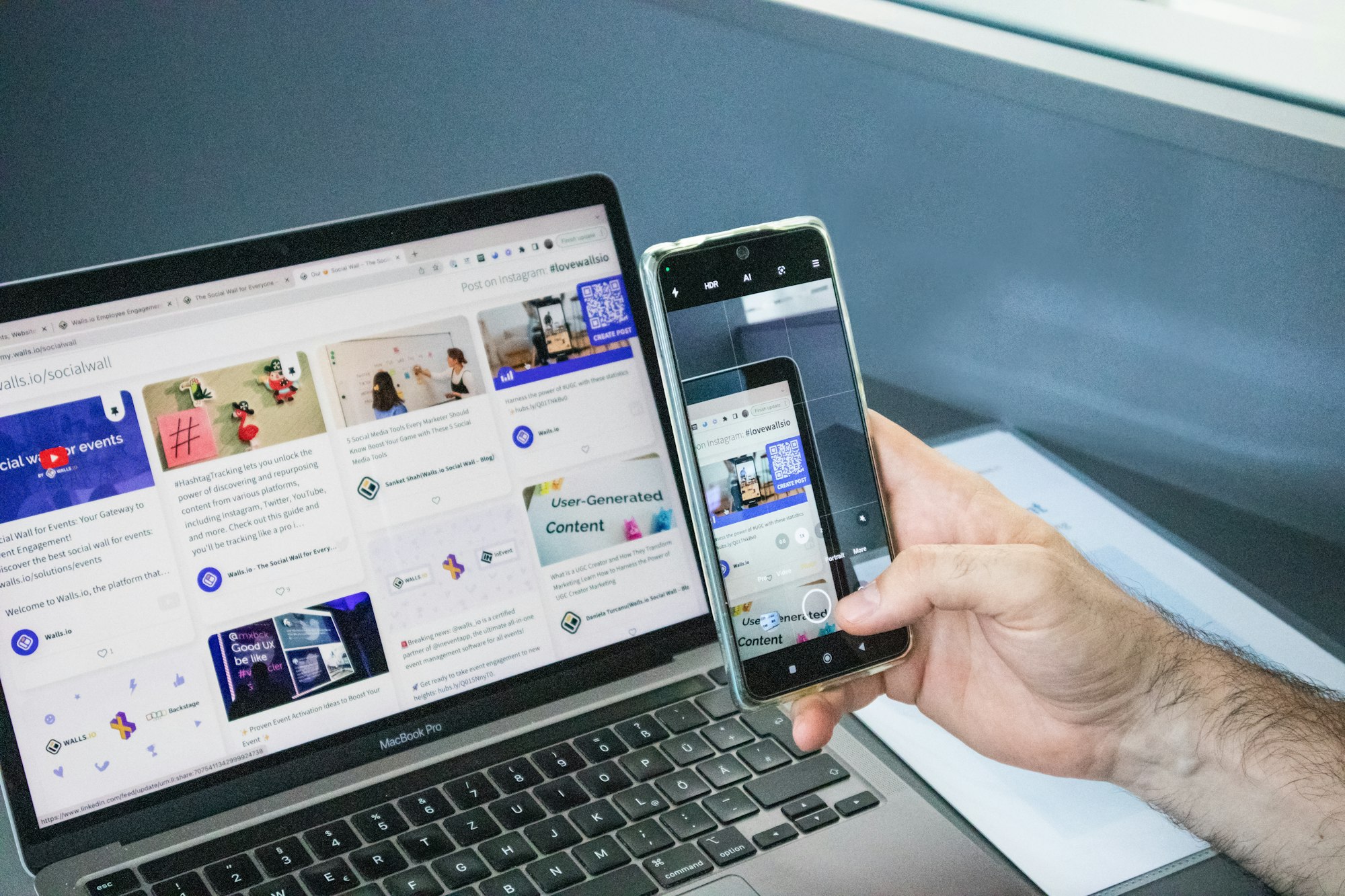
The experience: plug your phone into a monitor, connect a keyboard and mouse or a lapdock, and you have a real windowed OS. Chrome in one window, Word in another, Slack in a third. Alt+Tab between them.
One device. Two form factors. One set of apps, one set of data, one battery.
The 16 GB of RAM wasn’t a spec race — it was the prerequisite for this moment. Running a desktop session with five windowed apps, background sync, on-device AI, and a tabbed browser requires headroom. The RAM that Samsung and OnePlus put into flagships wasn’t excess — it was exactly what Android Desktop Mode needs to feel snappy, not sluggish.
We’ve spent thirteen years watching smartphones absorb one computing task at a time. Android Desktop Mode is the culmination: the smartphone doesn’t just handle individual tasks better than a PC. It can now be the PC, on demand, whenever you connect it to a screen.
The 1 GB we laughed at wasn’t the beginning of a phone story. It was the beginning of a computer story.
If all of this has you thinking seriously about a mobile-only setup — you’re not alone. The piece that makes Android Desktop Mode genuinely practical day-to-day isn’t the phone. It’s the right accessory to connect it to a screen. A lapdock gives you keyboard, trackpad, and display in one portable unit; a good USB-C hub anchors the phone to your home monitor. Browse the lapdock selection at mobile-only.com for models confirmed to work with Samsung DeX and Android Desktop Mode — and check the USB-C hub lineup if you prefer a stationary desk setup. Both ranges are curated specifically for mobile-only workflows, which saves you the trial-and-error of generic accessories that don’t reliably trigger desktop mode.