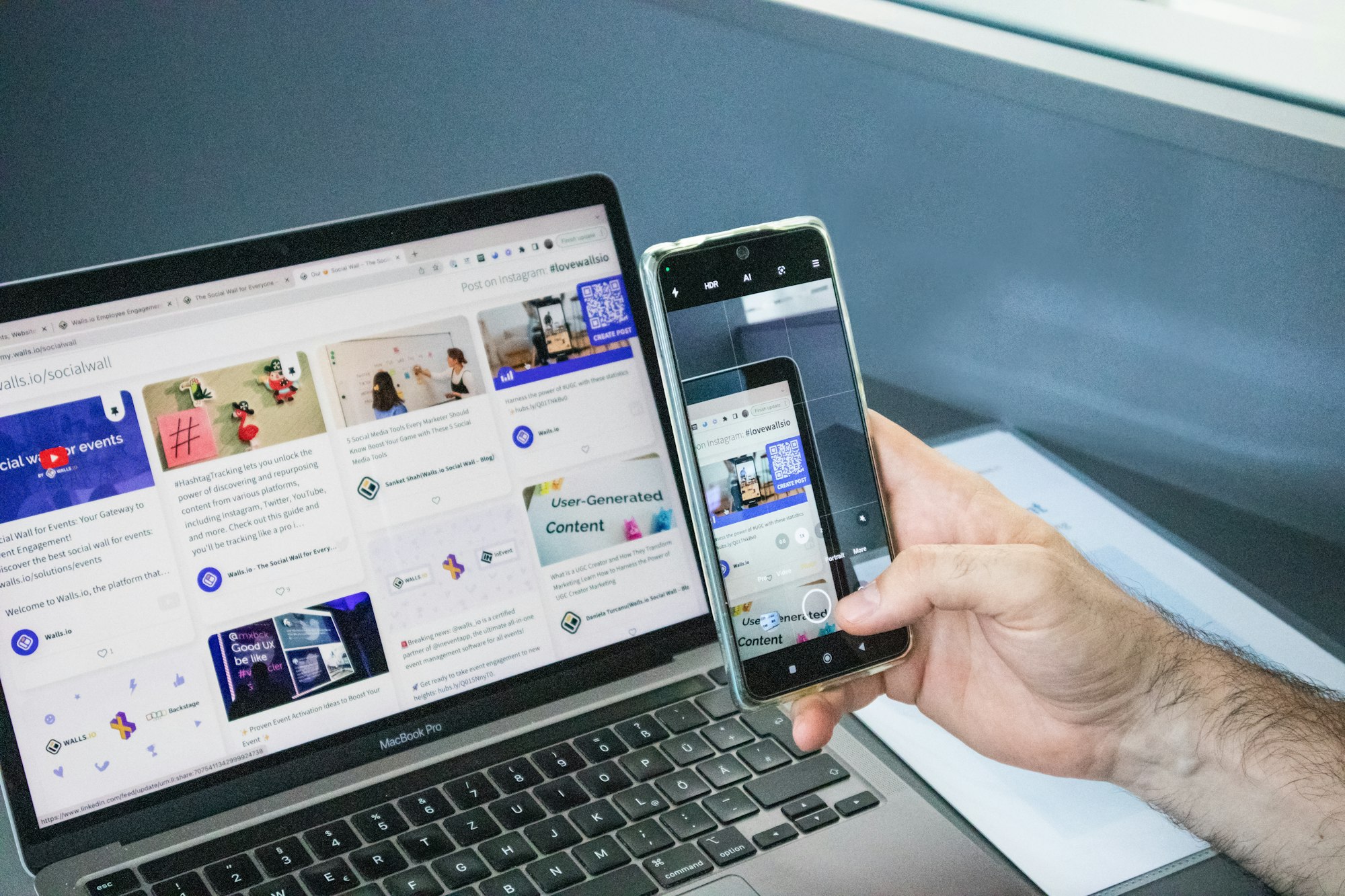
I ran the numbers this year. Properly — not in my head on a flight, but on a spreadsheet, tracking every euro I’d spent on “computing” over the past three years. The result surprised me: owning a laptop cost me over 3× more than running my entire setup on a smartphone and a lapdock. And that gap is only going to widen.
This isn’t a hot take designed to go viral. It’s a genuine cost comparison that anyone considering a laptop upgrade in 2026 should read first. Let’s break it down, category by category.
The True Cost of Owning a Laptop in 2026
When people say “I bought a laptop for €1,200,” they’re quoting the sticker price. The real number is much higher once you account for what I call the total cost of ownership (TCO).
Upfront purchase
A mid-range laptop that’s actually capable for serious work — video calls, document editing, browser with 15+ tabs, occasional light coding — starts at around €800–1,200 in 2026. Budget options around €500 exist, but most professionals I know end up frustrated within 18 months and upgrade anyway.
A flagship smartphone like the Samsung Galaxy S25 or Pixel 9 Pro? €900–1,100. But you were already going to buy a phone. The smartphone isn’t an additional cost — it replaces the phone you’d have bought regardless.
The lapdock addition
Here’s where mobile-only computing changes the math entirely. A quality lapdock — a keyboard + screen shell that runs off your smartphone’s processing power — costs between €150 and €350. The lapdock lineup at Mobile-Only covers everything from ultraportable options to full HD setups.
So your total “PC setup” cost: smartphone (which you’d buy regardless) + lapdock (~€250). Versus a laptop: €1,000+ for something that does roughly the same tasks most people actually do day-to-day.
The accessories trap
Nobody buys a laptop and stops there. The accessories ecosystem is a slow drain:
- USB-C hub / docking station: €60–120
- External mouse + keyboard for the desk: €50–100
- Laptop bag or sleeve: €30–80
- Extended warranty: €100–200 over 2 years
- Antivirus / Windows licenses: €30–60/year
That’s another €270–560 stacked on top of the base price, before you’ve done a single day of work. With a lapdock setup, none of these apply — your phone’s already protected, your files are in Google Drive or iCloud, and the lapdock IS the keyboard + screen in one unit.
The Subscription Cost Nobody Talks About
Laptops have become Trojan horses for subscription creep. Microsoft 365 is €70/year. iCloud or Google One if you’re managing local files: another €30–100/year. If you’re a Windows user, there’s a near-inevitability of paying for Microsoft 365 at some point.
On a mobile-first setup, you’re already paying these subscriptions — but they’re shared across all your devices. There’s no “laptop tax” on top. Your phone, your lapdock, your TV — one subscription, one ecosystem.
Over a 3-year device lifecycle, this difference alone adds up to €100–300 in pure savings.
Repair and Replacement: Where Laptops Really Hurt
I’ve replaced two laptop batteries in the last five years. One laptop died from a hinge failure at year 3. Laptop repairs are expensive, often €150–300 per incident, and Apple or Dell will happily tell you it’s “not worth repairing” — pointing you back to a new purchase.
Smartphone repairs are handled at scale. Screen replacements for flagship Androids run €80–150 at third-party shops. Battery replacements: €30–60. Samsung even offers Samsung Care+ to cover accidental damage on a monthly subscription, which is far more cost-effective than laptop insurance.
And when you do upgrade your phone (every 2–3 years for most people), your lapdock comes with you. It works with the next phone too — because it’s just a display and keyboard. That’s the beautiful economics of the mobile-only model: the expensive part (your phone) is already amortized across your entire digital life.
Real Numbers: My 3-Year TCO Comparison
Let me put concrete figures on a table, based on my own experience and typical 2026 prices in Europe:
| Cost Category | Laptop Setup (3yr) | Smartphone + Lapdock (3yr) |
|---|---|---|
| Device purchase | €1,100 | €1,000 (phone) + €249 (lapdock) |
| Accessories | €350 | €0 (lapdock = all-in-one) |
| Software / licenses | €210 (3yr) | €0 (already on phone plan) |
| Repairs / battery | €200 avg | €60 avg |
| Replacement/upgrade | €1,100 at year 3 | €1,000 phone; lapdock stays |
| Total 3-Year TCO | ~€2,960 | ~€1,309 |
That’s a saving of over €1,600 over three years — roughly the cost of a premium smartphone upgrade, paid for by simply switching your computing model.
But What About Performance?
The fair counter-argument: “Laptops are more powerful.” Yes — for video editing, 3D rendering, machine learning workloads. But the honest question is: what do you actually do 90% of the time?
For most professionals I’ve spoken to, the daily workload is:
- Email and messaging
- Browser (Google Docs, Notion, Slack, Zoom)
- PDF review and light document editing
- Occasional spreadsheets
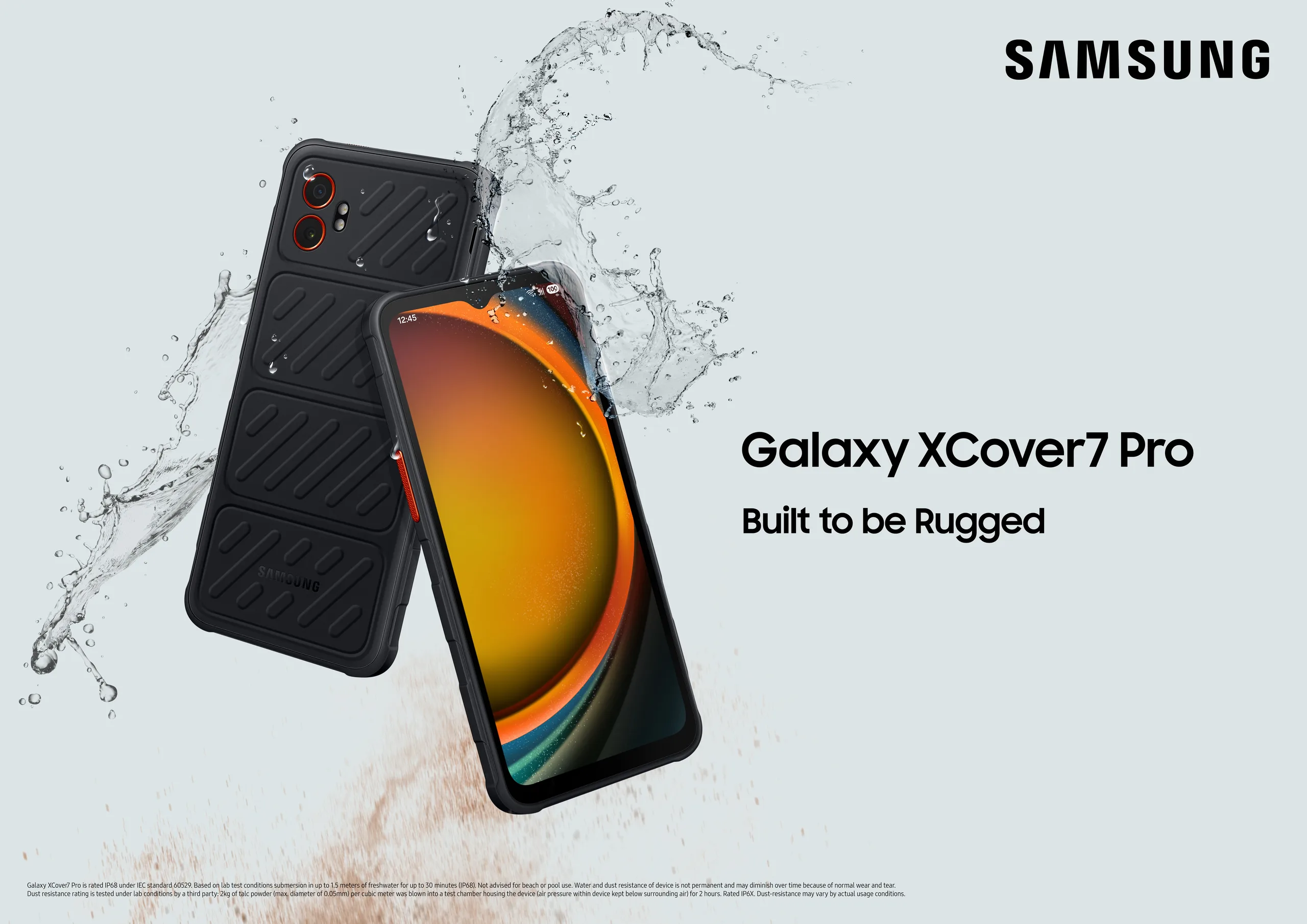
The Samsung Galaxy S25 Ultra running Samsung DeX — Samsung’s desktop mode that turns your phone into a full PC experience — handles every single one of those tasks without breaking a sweat. I’ve run video calls, live-edited shared Google Sheets, and managed WordPress while connected to a lapdock on a high-speed train. It just works.
If you do creative work that’s genuinely compute-heavy, a laptop still makes sense. But for the knowledge worker, the consultant, the freelancer, the remote employee — the performance argument is mostly marketing mythology.
The Environmental Case (A Bonus Argument)
This isn’t purely about your wallet. Manufacturing a laptop generates significantly more carbon emissions than a smartphone. When you replace a laptop every 3 years instead of extending the same smartphone you already carry, you’re adding to e-waste and carbon footprint.
The mobile-only model isn’t just financially smart — it’s a genuinely lighter-touch approach to hardware consumption. One device does more. You buy less.
Making the Switch: What You Actually Need
If the numbers above have you reconsidering your next laptop purchase, here’s what a solid mobile-only setup looks like in practice:
- A flagship Android with DeX or desktop mode support — Samsung Galaxy S25 series or similar
- A quality lapdock — paired to your phone via USB-C, gives you a 13–15″ screen + keyboard + trackpad
- A Bluetooth mouse (optional, ~€20) for power users who prefer physical mouse control
- Your existing cloud workflow — Google Workspace or Microsoft 365 mobile works natively
The entire switch can cost under €300 in new hardware — and you’ll recoup that in under 12 months of avoided laptop costs.
To see what lapdocks are available and compare models by screen size, weight, and price, browse the full lapdock collection at Mobile-Only →
If you’re already in the Samsung ecosystem, I also covered the setup side in detail in my Samsung DeX lapdock setup guide — worth reading before you buy.
The RAMpocalypse: Why Your Laptop Will Never Be Cheap Enough
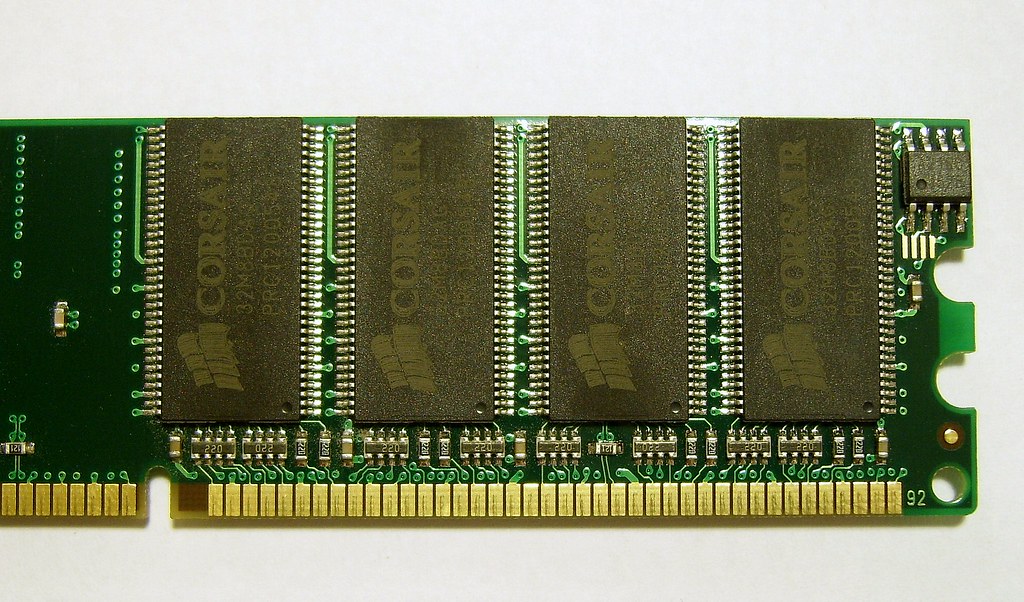
Here’s a cost I didn’t include in the table above — because it’s sneaky. It doesn’t show up on day one. It creeps in 18 months later, right around the time your laptop starts slowing down and your browser tabs start crashing. I call it the RAMpocalypse.
In 2020, 8GB of RAM was fine. Not great, but fine. Most laptops shipped with it as standard, and most people could get through a workday without wanting to throw their machine out a window. Then something shifted.
Chrome got heavier. Electron apps multiplied. Microsoft Teams alone now comfortably eats 1.5GB on a good day. Slack, Zoom, a few browser tabs with Google Docs, a PDF open in the background — and suddenly 8GB is gasping.
So the industry quietly moved the goalposts. In 2024, 16GB became the new baseline for any laptop you’d actually recommend to a working professional. And now in 2026, if you’re doing anything more demanding than watching YouTube, 32GB is what the benchmarkers and reviewers are pushing as the “future-proof” sweet spot.
What does that cost you?
- Upgrading from 8GB to 16GB at purchase: +€100–150 on most mid-range configurations
- Upgrading to 32GB: +€200–300 on top of the base price
- Upgrading after purchase: impossible on most modern laptops — because manufacturers solder the RAM directly to the motherboard
That last point is the brutal one. The soldered RAM trap isn’t an accident — it’s planned obsolescence built into the hardware itself. You buy a €1,200 laptop with 16GB of soldered RAM, feeling fine about it in 2025. By 2027, it’s the new 8GB — slow, struggling, and technically unfixable. Your only option is to buy another laptop. And so the cycle continues.
Meanwhile, on the Android side of this equation
My Samsung Galaxy S25 runs on 12GB of RAM. And it doesn’t break a sweat on the same workloads that are suffocating Windows machines. Why? Because Android is architecturally lean. It was built from the ground up for constrained environments. Processes sleep properly. Memory is managed aggressively. The OS doesn’t carry 30 years of backward-compatibility baggage.
When I’m running a Samsung DeX session with four apps open — browser with eight tabs, Google Docs, Slack, and a spreadsheet — the system barely registers it. No fan noise, no sluggishness, no RAM warning dialogs. Just work.
And here’s what I love most: no RAM upgrade path needed, because none is ever needed. My lapdock — which I picked up from Mobile-Only — works with my current phone and will work with my next one. There’s no “insufficient RAM” trajectory because the OS isn’t racing toward one.
Compare that to a laptop purchased in 2023 with 16GB of soldered RAM. It might be sluggish by 2026. It will almost certainly be painful by 2027. And there’s nothing you can do about it short of spending €1,000+ on a replacement.
The RAMpocalypse isn’t just a performance issue. It’s a hidden cost multiplier. Every laptop you buy is quietly pre-scheduled for obsolescence, with the expiry date determined not by when it breaks, but by when its RAM ceiling gets hit by a world that keeps demanding more.
The smartphone + lapdock model sidesteps this entirely. When you upgrade your phone every 3 years — which you were going to do anyway, for the camera or the battery — you’re also getting the latest SoC and RAM configuration. No surcharge. No upgrade lottery. No soldered surprises. Just seamless progression.
If you’re doing the mental math right now, browse the lapdock lineup at Mobile-Only → and see what your next “laptop” could actually cost.
The Bottom Line
The laptop is a 30-year-old product category propped up by inertia and marketing. In 2026, with flagship smartphones outpacing entry laptops on raw CPU scores, and lapdocks making the form factor genuinely usable for full work days, the cost argument is the final nail.
You’re not choosing between a laptop and “less power.” You’re choosing between paying ~€3,000 over three years for a laptop setup — or ~€1,300 for a smartphone + lapdock combo that also happens to be your phone, your GPS, your camera, and your portable hotspot.
The math doesn’t need much more commentary than that.
If you’re ready to explore what mobile-only computing actually feels like, find the right lapdock for your phone at Mobile-Only.com →
Take care,
Yanis@MiraLab